DNS & Reverse Proxy
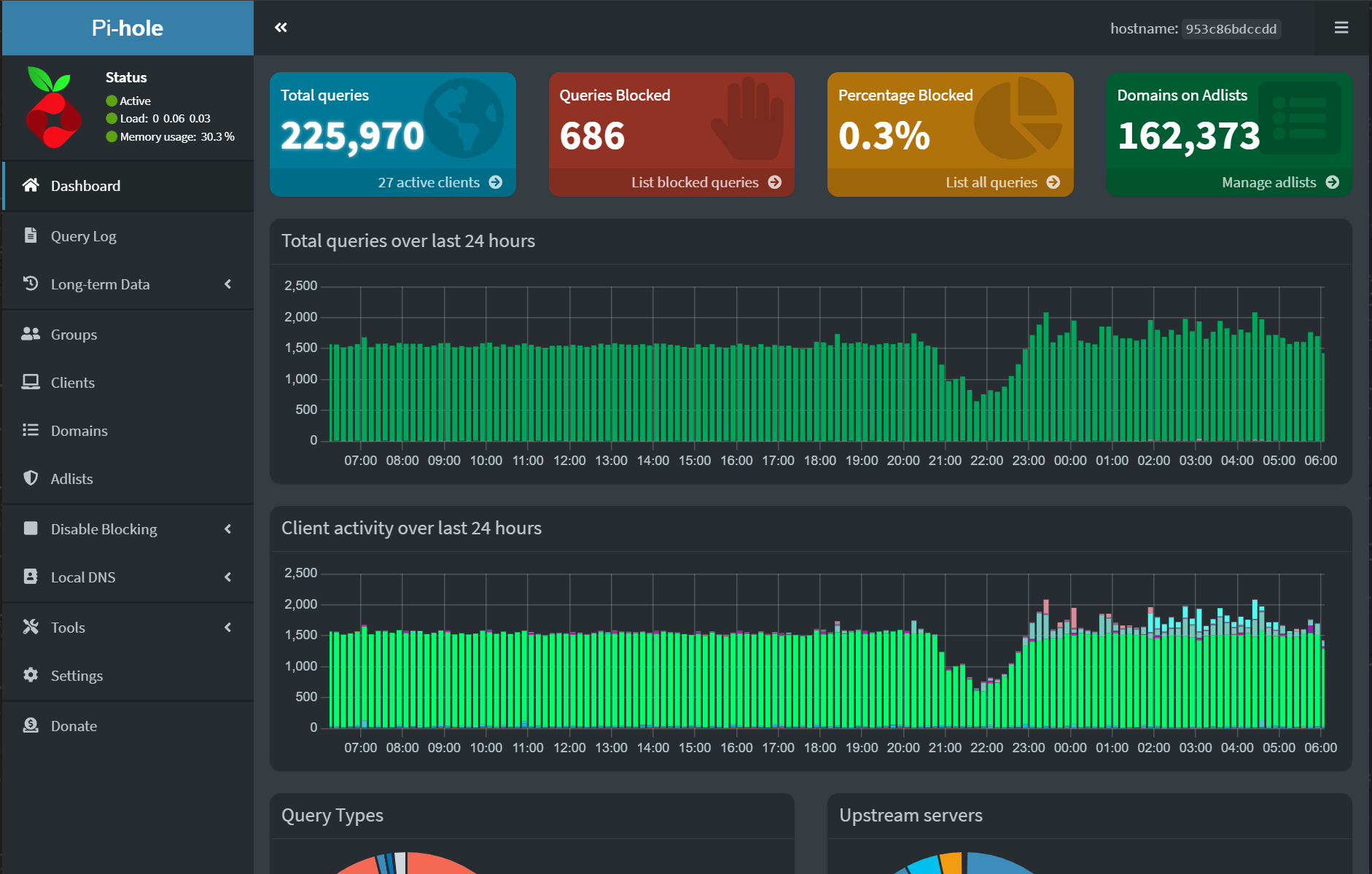
My MINISFORUM Mini-PC is running the Proxmox Hypervisor which has an Ubuntu Virtual Machine installed on it. The Ubuntu VM has Docker installed, which is used to host containers. Within two different docker containers, I have NGINX Reverse Proxy and PiHole DNS Server installed. PiHole is primarily used for ad-blocking on my home network, and creating internal DNS records. NGINX Reverse Proxy allows me to assign subdomains to other web services I may have open.
For example, for PiHole working in tandem with NGINX Reverse Proxy, when someone on my home network navigates to pihole.myhomelab.com, their web browser will send a request to the IP address DNS Server (PiHole) which then resolves to the NGINX Reverse Proxy server. In the Reverse Proxy Server, I have it configured so that pihole.myhomelab.com is assigned to the IP and port number NGINX's container. Thus allowing the user to see the PiHole WebUI by entering the subdomain + domain instead of the IP address + port number.
OpenWRT
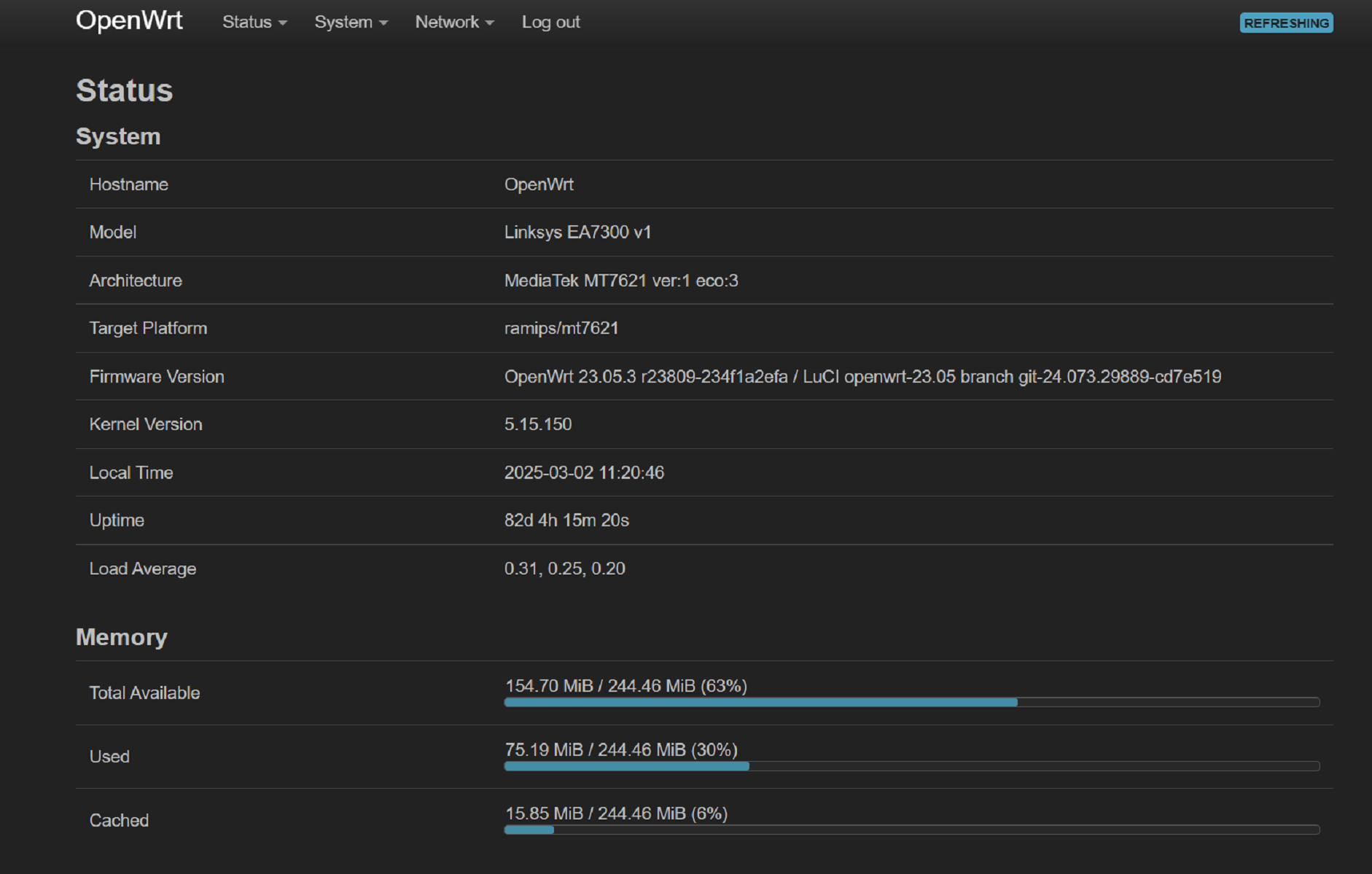
Currently, OpenWRT is installed on my older Linksys EA7300. The lightweight Linux distribution provides a clean WebUI that allows for VLAN creation, port forwarding, and other miscellaneous configuration. There is also built-in support for hosting a WireGuard VPN from OpenWRT directly, although I have an instance of WireGuard hosted within a docker container. I'm primarily using OpenWRT within my setup to open a few ports for video game servers, and to set my home network's preferred DNS server to PiHole. This means that any device that connects to the Wi-Fi within my home will use PiHole for its DNS server first instead of Google's/CloudFlare's.